How to use a company code on SNCF Connect?
Register a company code
Step 1: Log in to your Customer Account.
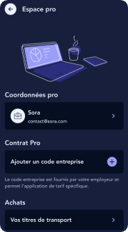
Step 2: Go to the Business space in your customer account.
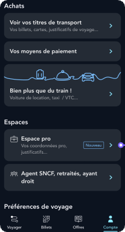
Step 3: Click on "Add a company code."
Use my company code for a train reservation
Step 1: Log in to your Customer Account and ensure your company code is registered in your Business Space.
Step 2: Remember to select "business travel" as the travel purpose on the search page.
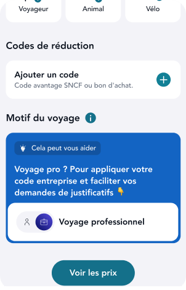
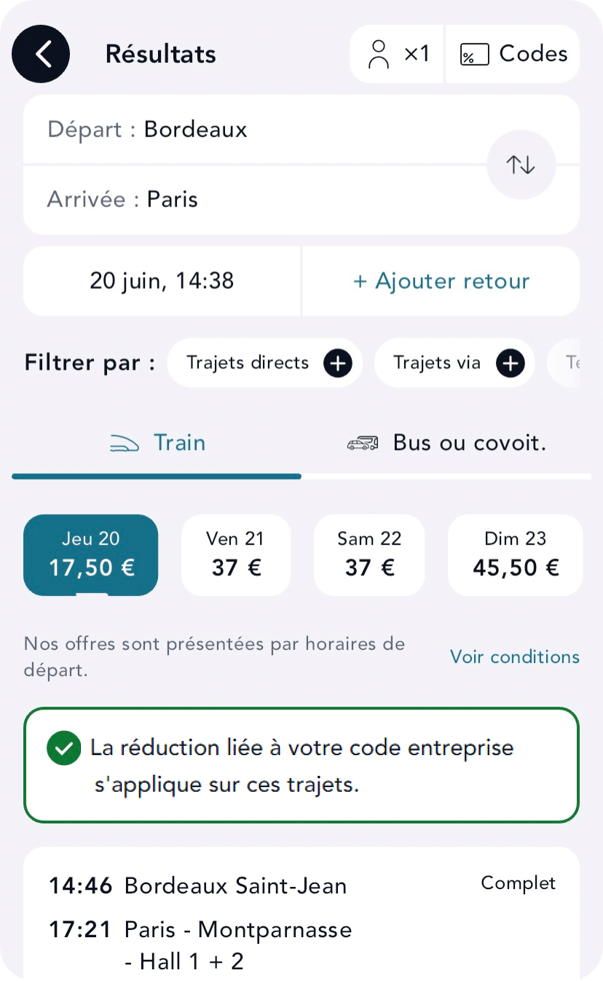
Step 3: Your company code will automatically apply when you search for a business trip.
Use my company code to purchase a carte Liberté
Step 1: Go to the carte Liberté purchase page.
Step 2: Enter your code in the "company code" field.
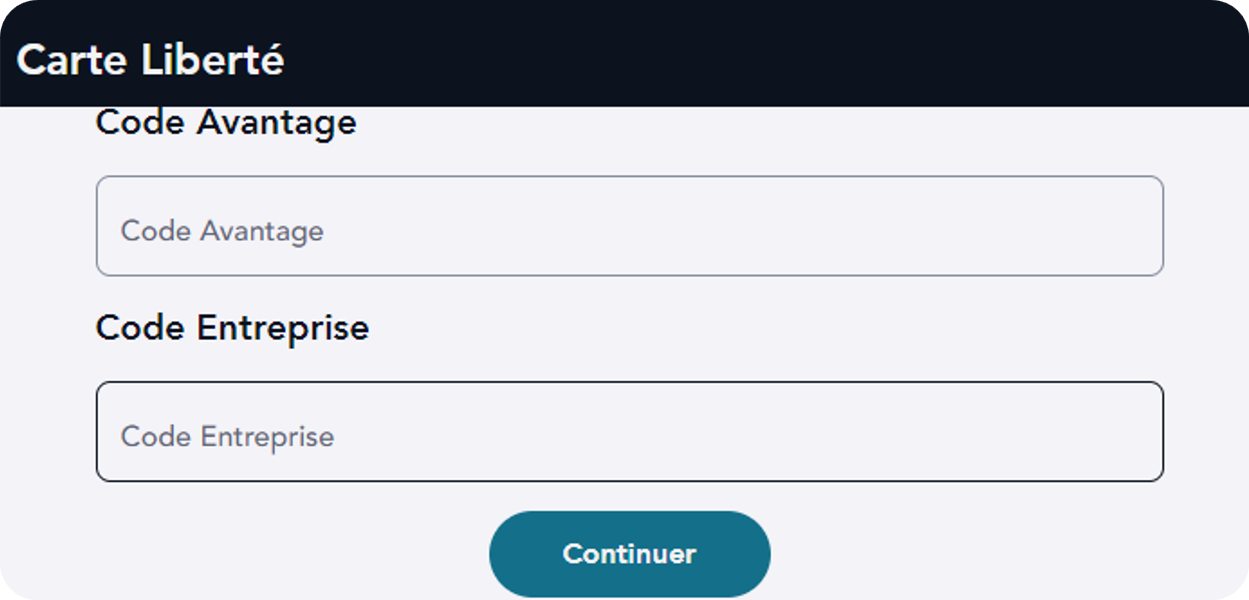
Please note: If you are logged in to your customer account, this field will be automatically pre-filled with your company code.